Church In Space Corridor
This was my first serious effort to learn Blender 3D. I've had prior experiences with Maya and Alias StudioTools, but it's been about 10 years since I seriously picked up a 3D software package. Since Blender is free (yay!), and quite powerful for its pricing...I decided to commit myself to learn it amidst the current COVID19 crisis that's gripping our nation. It provided me, let's just say, a really nice distraction away from all the mess that's happening around our world.
Being a Christian (which, though most of us are not of the preachy type, makes the likes of us a bit unpopular in entertainment circles)...and not yet seeing much impressive Sci-Fi CG artworks in the faith-based world, I decided to make this an faith-based art - in a subtle way.
Can you tell?
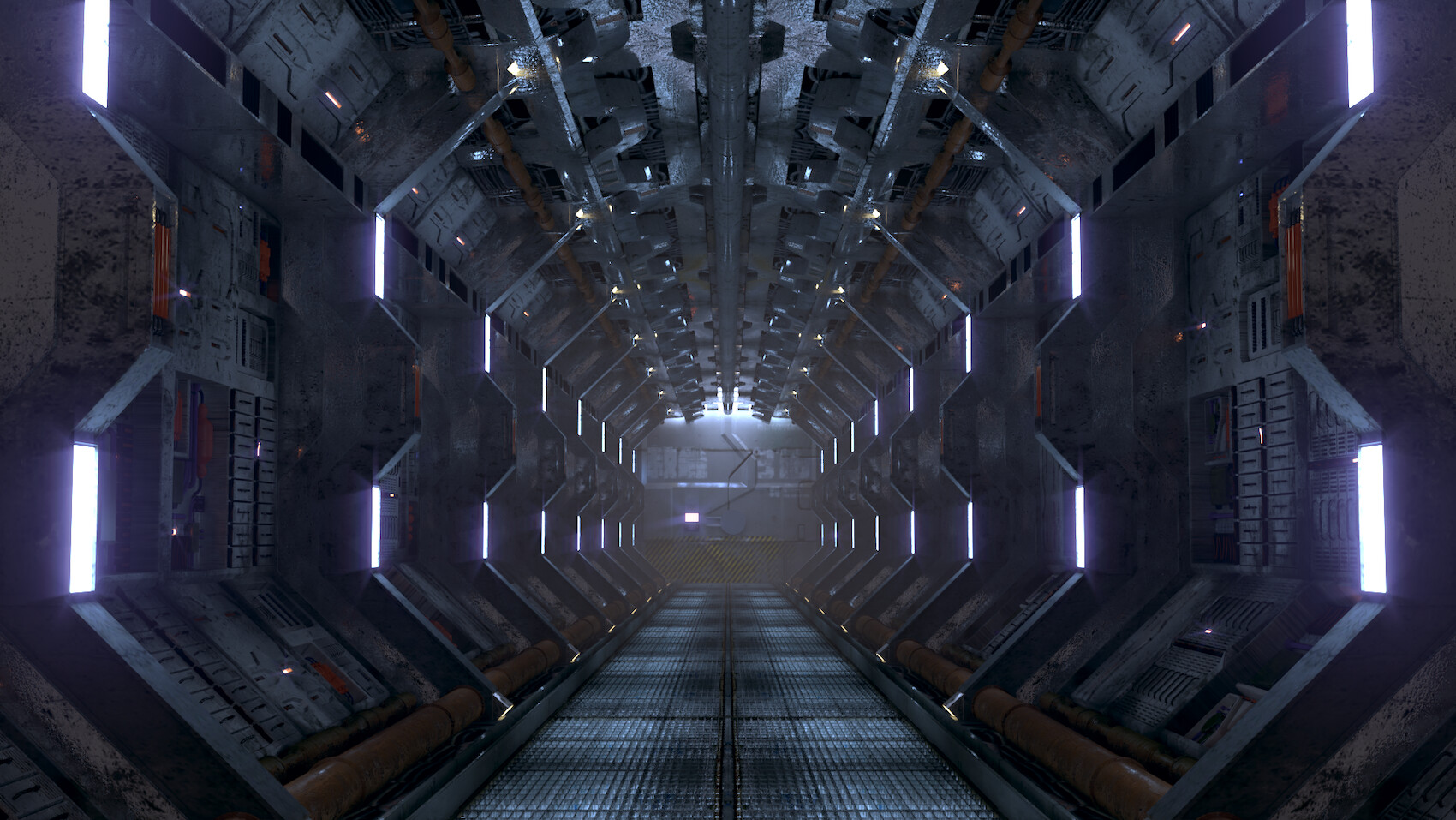
"Finalized" Shot: In this final step, I fixed some glitches and adding subtle texture to suggest complex wiring. Also played extensively with Compositor to get the color balance I like - blueish highlights and reddish mid-tones.
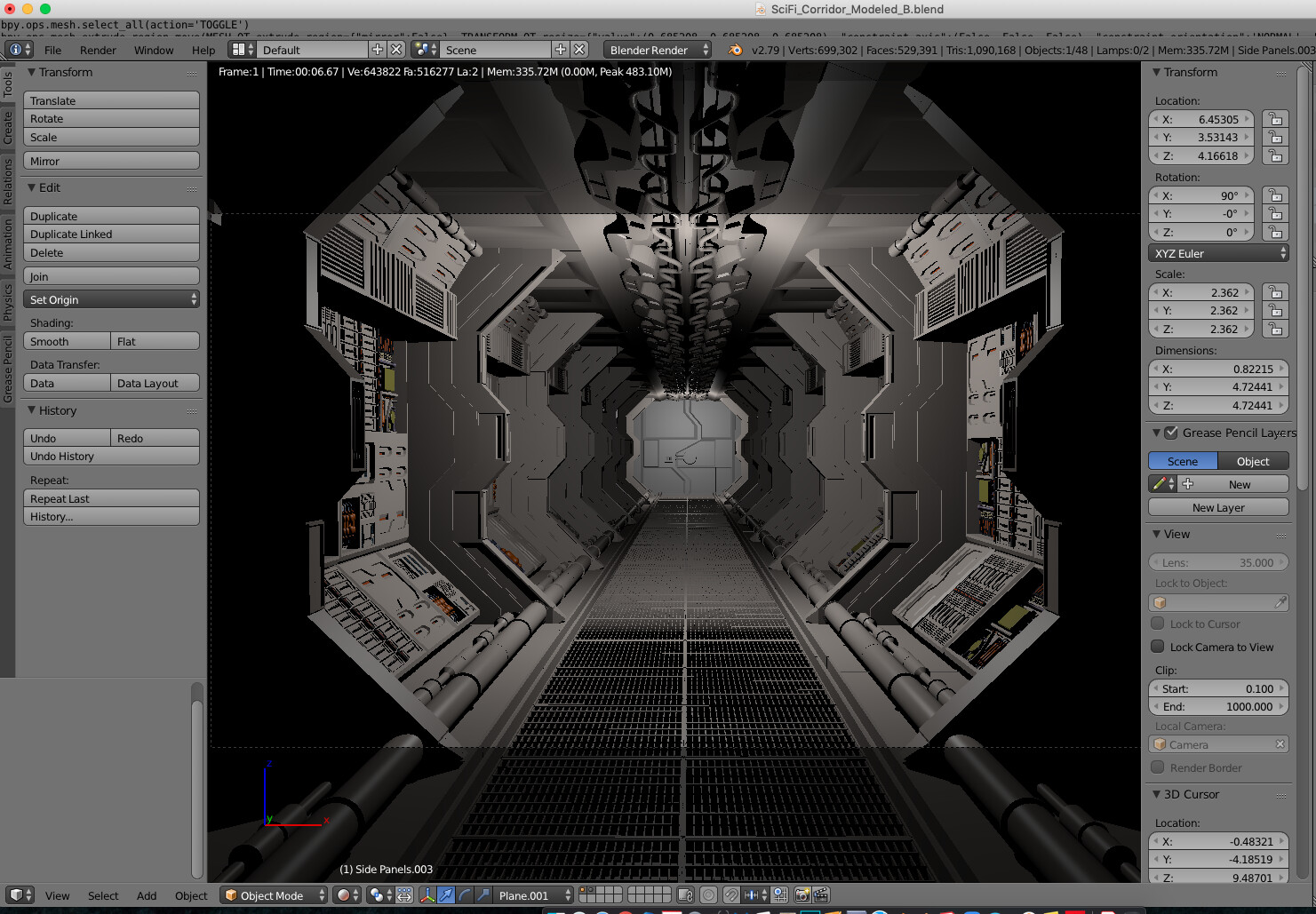
Step 1: Modeling. Inspired by the tutorials of Andrew Price (Blender Guru), I built this scene entirely out of simple polygons. To make everything easy to edit, I made extensive use of Blender's renown "modifiers".

Step 2: Texturing. Once modeling's done, I took a lot of time to learn how to apply textures and unwrap the UVs (3D jargon for controlling how textures are wrapped & stitched around a model) to make my scene at least look reasonably clean.

Step 3: Lighting & Compositing. I started to play around with rendering & compositing my scene, adding light haloes and subtle fog. Many little glitches encountered, including lights on most side panels wouldn't light up.